Plug-in main interface
Overview
The plug-in interface has the UI elements indicated in the screen image below.
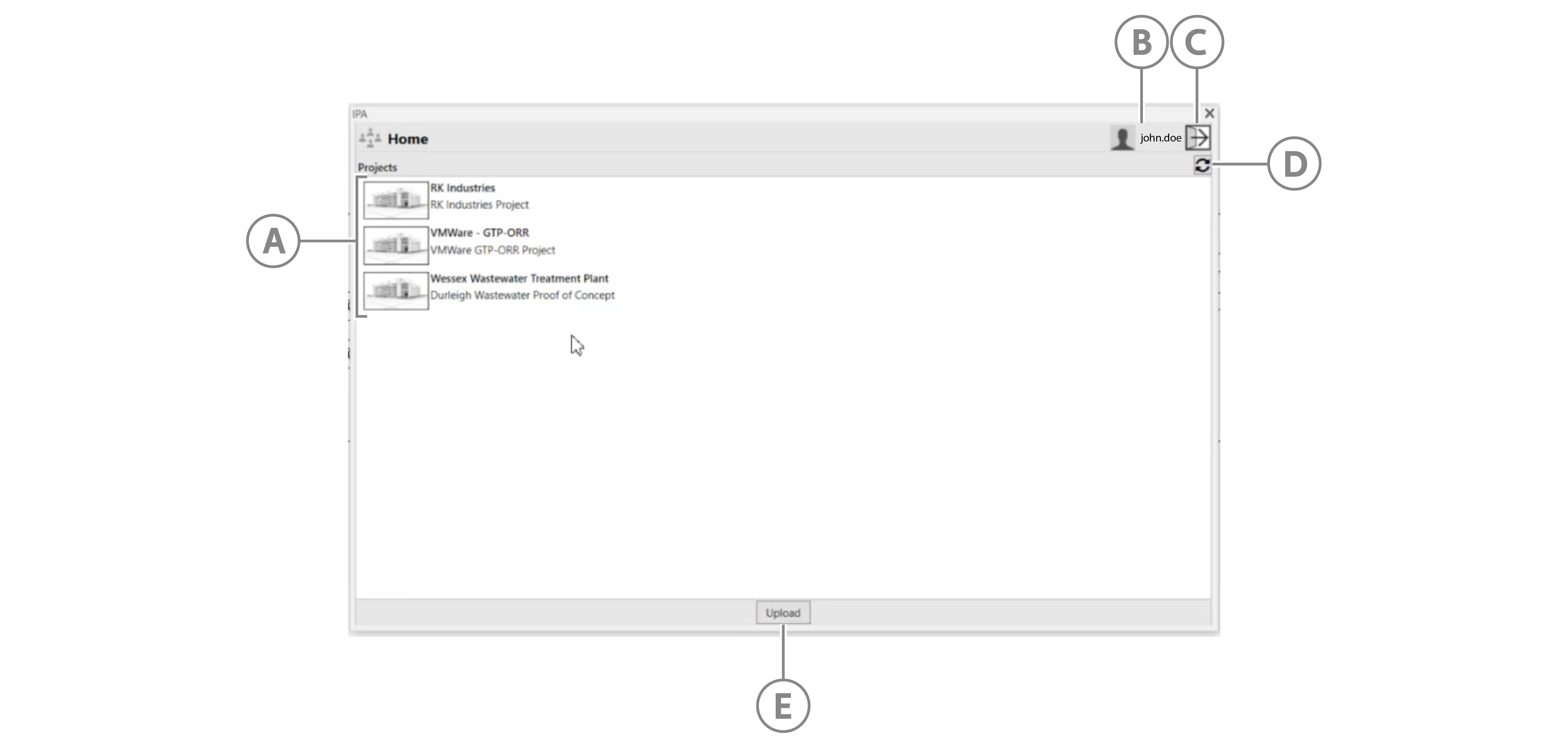
Guide to UI elements
| Callout | Icon | Description |
|---|---|---|
| A | platform projects | Displays your available platform projects. If your project doesn't appear, click the Refresh icon. |
| B | Logged in user | Displays the logged in user. |
| C | Logout icon | Click to log out of the plug-in. |
| D | Refresh icon | Click to refresh the platform projects and load any new projects. |
| E | Upload button | Click to upload the model as a BIMPK file. |