AI Chat
Overview
Use AI Chat to ask an AI team questions about the project in natural language. You set up AI teams in the AI Service workspace. For more information about teams, see Teams.
Figure: AI Chat page
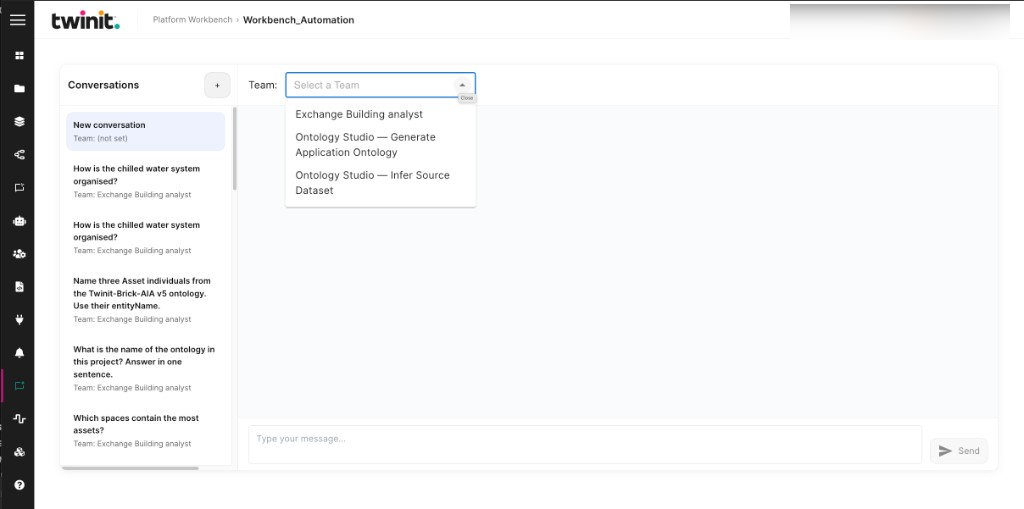
Chatting with an AI team
To chat with an AI team, do the following:
- Go to AI Chat.
Note: You must select a project first. For more information, see Selecting a project.
- In the Team list, select a team.
- In Message, enter your question.
- Select Send.
The team streams its answer into the conversation.
Resuming a conversation
The Conversations sidebar lists earlier conversations. To continue one, select it. To start another, select New conversation.
If you have no saved conversations, the sidebar shows No saved conversations yet. Send a message to start one. To load older conversations, select Load more conversations.
For more information about conversations, see Conversations.